
Engaging the Next Generation
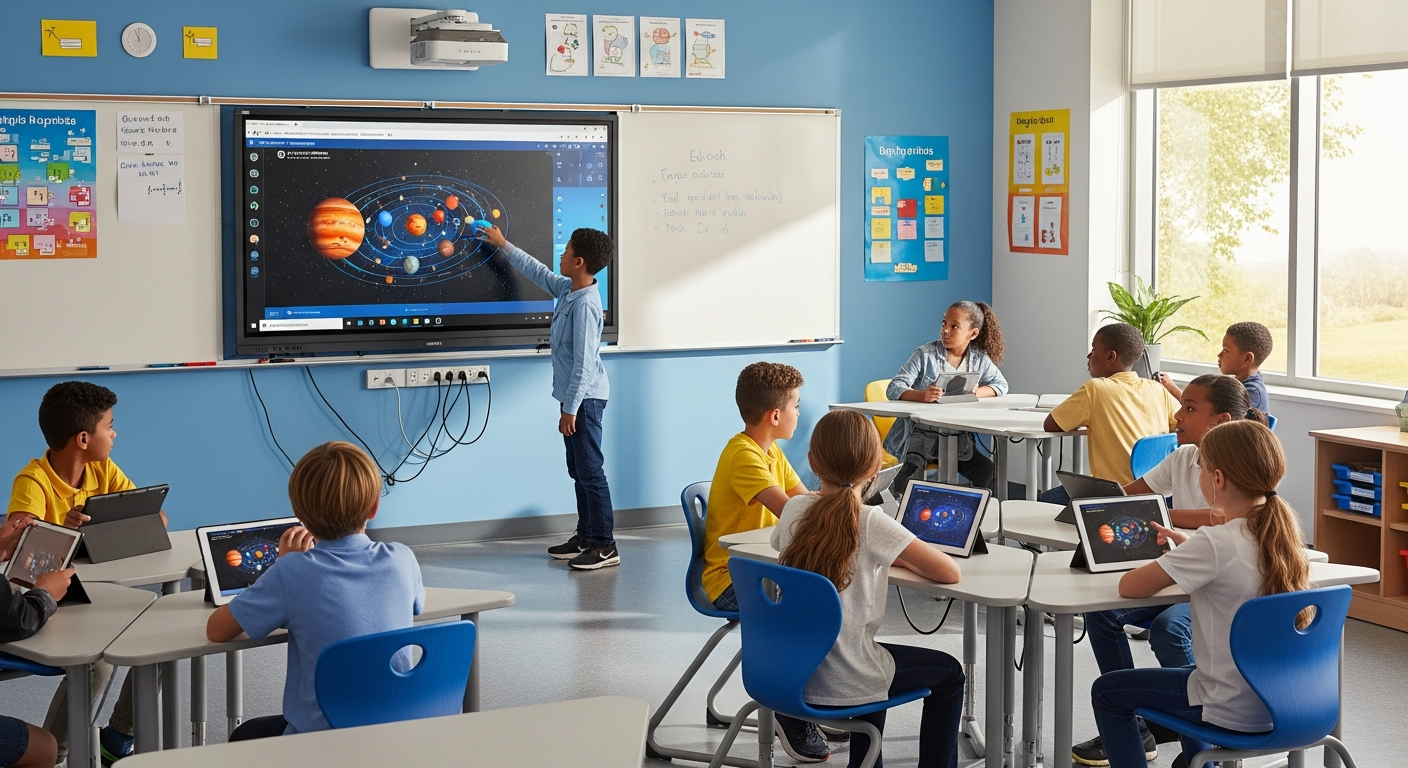
Today's students have grown up with gesture interfaces on phones and tablets. MotionInput brings that intuitive interaction to classroom displays and educational content, creating engaging learning experiences while reducing germ transmission in shared learning spaces.
Educational Applications
Interactive Whiteboards
Transform traditional interactive whiteboards into gesture-controlled learning surfaces. Teachers can navigate presentations, annotate content, and manage classroom activities from anywhere in the room.
- Slide navigation with MotionInput Wave
- Select and click elements with MotionInput Pinch!
- Air-drawing and annotation
- Video playback control
STEM & Science Labs
Enable hands-on exploration of scientific concepts without expensive equipment. Students can manipulate 3D models, run simulations, and explore data visualizations using gesture controls.
- 3D molecule and anatomy model rotation
- Physics simulation controls with MotionInput Air
- Data visualization exploration
- Virtual dissection and lab simulations
Special Education & Accessibility
MotionInput's accessibility features make it ideal for inclusive education. Students with mobility challenges can participate fully in interactive lessons alongside their peers.
- Customizable gesture sensitivity
- Multiple input modalities (hands, head, voice)
- Alternative gesture sets for different abilities
- Integration with existing accessibility tools
Library & Media Centers
Create engaging information discovery experiences in school libraries and media centers. Students can browse catalogs, explore resources, and access learning materials through touchless kiosks.
- Digital catalog browsing with MotionInput Wave
- Select resources using MotionInput Pinch!
- E-book and audiobook access
- Study room booking systems
MotionInput for Education
MotionInput Pinch!
Students can select answers, click buttons, and interact with educational software using the intuitive pinch gesture. Works great for quiz games and interactive assessments.
Get from Microsoft StoreMotionInput Air
Coming Soon: Advanced multitouch for manipulating 3D educational models, zooming into maps and diagrams, and collaborative multi-user interactions.
MotionInput Wave
Simple wave gestures for navigating presentations, scrolling through content, and moving between lessons. Easy enough for young learners to master quickly.
Pedagogical Benefits
Kinesthetic Learning
Physical gestures engage motor learning pathways, reinforcing concepts through embodied cognition. Studies show movement-based learning improves retention.
Inclusive Participation
Students who might hesitate to approach a shared touchscreen can participate from their seats, increasing engagement across all learning styles.
Collaborative Learning
Multiple students can interact with content simultaneously, supporting group activities and peer-to-peer learning without crowding around a single screen.
21st Century Skills
Gesture interfaces introduce students to emerging technologies, building digital literacy and preparing them for future workplaces.
Benefits for Schools
Reduced Illness
Minimize germ transmission on shared classroom surfaces
Increased Engagement
Students find gesture control fun and motivating
Accessibility
Support students with diverse physical abilities
Works with Existing Hardware
No new displays needed—just add a webcam
Transform Your Classroom
Contact us to discuss educational solutions for your institution
Request Pilot Program